LOCK BUYING GUIDES
Before you buy a smart lock, check the door first.
Codes and phone controls are useful. The better starting point is whether the lock fits your door, works for everyone who uses it, and has a backup plan you understand.
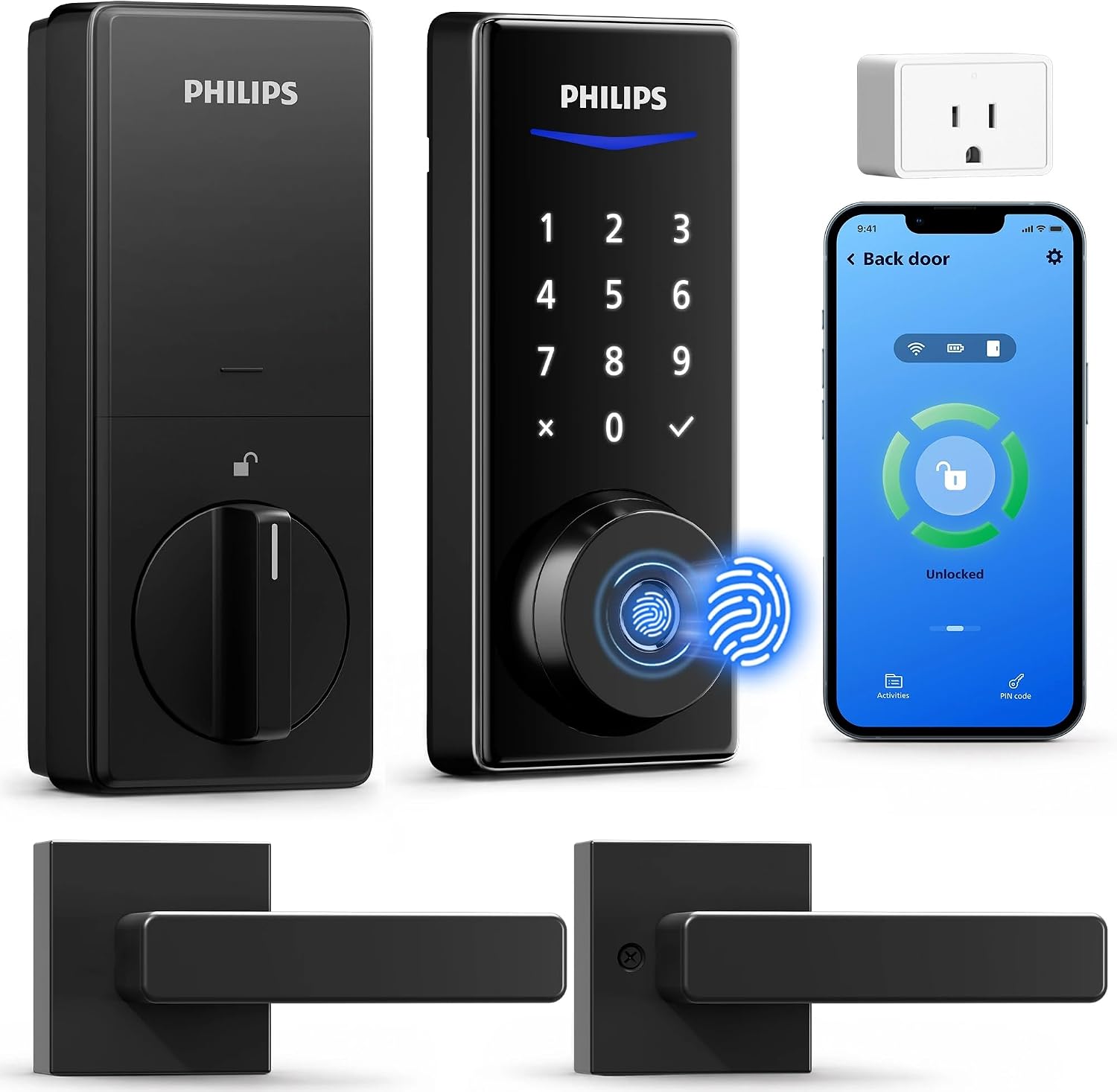
1. Start with the hardware already on your door
Take clear photos of the outside, inside and edge of the door. Identify whether you have a separate deadbolt above a handle, a connected handleset, or a different locking system. A replacement for a separate deadbolt should not be assumed to fit a mortise lock or a multipoint door.
Before ordering, compare your measurements with the exact model’s installation template: door thickness, hole diameter, backset, edge preparation and clearance around the interior hardware. Check whether trim, glass or a storm door could interfere. If the current bolt needs a hard push or pull to latch, have the alignment assessed before adding a motorized lock.
2. Decide how people will enter every day
List the access methods your household actually needs: a physical key, keypad, fingerprint reader or phone. Then check which are included in the model you are buying. Do not assume that every smart lock supports every method.
For shared access, look for clear instructions on adding and removing individual codes. If you need temporary or scheduled access, confirm that feature specifically. Ask how family members or guests will get in if their phone is unavailable, and whether the inside hardware is comfortable for everyone who uses the door.
3. Separate keypad access from remote access
Entering a code at the door and controlling a lock from another location are different features. Check whether remote control needs built-in Wi-Fi, a separate bridge or hub, a compatible home network, an app account, or a subscription. Confirm which accessories are included in the box.
Read the manufacturer’s explanation of what continues to work if the internet connection is lost. Choose based on the functions you need rather than assuming that “smart” means every connected feature is included.
4. Read the battery and backup instructions before installation
Check the required battery type, low-battery warnings and replacement procedure. Identify the documented backup entry method and make sure it suits your household. Some products have a keyway or emergency power provision; others use a different approach. Follow the exact model’s instructions rather than relying on a general smart-lock tip.
During setup, test the supported entry methods while the door is open and keep your backup method accessible. Do not make your first test after closing the door behind you.
5. Confirm the lock is intended for that location
Review the model’s environmental limits, door application, finish, handing and any published certification. A front entry, covered side door and interior office can have different needs. For a commercial, shared-building or fire-rated opening, have a qualified installer confirm the hardware requirements before purchasing.
6. Compare the complete purchase
Compare hardware, required accessories, shipping, installation, warranty terms and returns together. Confirm what installation includes and whether door preparation or alignment work is extra. Keep the model number, instructions and order record for future support.
Choose the category that fits your needs
Explore smart keypad locks, compare deadbolts, or browse lock bundles. Check the individual product details before ordering. If you are unsure about fit, gather your door photos and measurements before requesting help.
This guide is general shopping information. The exact product instructions and the requirements for your door determine compatibility and installation.